 Live Webcams in San Diego
Explore live streaming views from San Diego, . Check current weather conditions, traffic, and beautiful local spots.
Latest Cameras
25 streams found




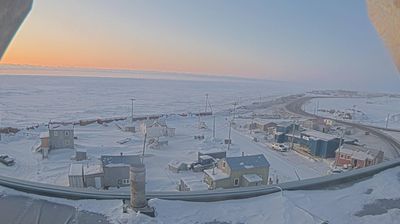




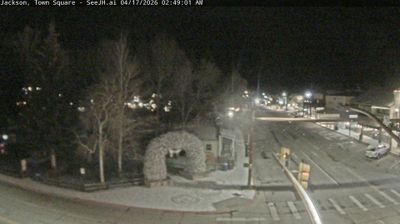

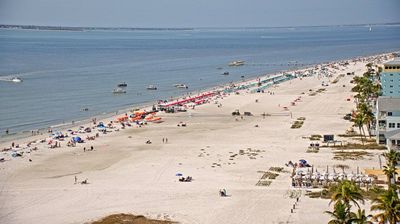


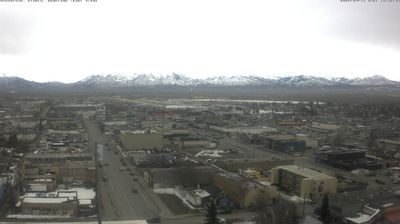



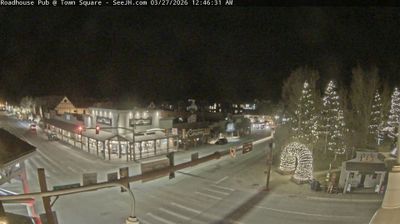
Virtual Travel to San Diego
Whether you are planning a real-world visit or just digital globe-trotting, the live webcams in San Diego offer an unfiltered glimpse into daily life. Watch the sunrise, check the local traffic before your commute, or simply enjoy the urban and natural landscapes that make this location unique. Bookmark this page to easily return and check the live weather conditions anytime.

About San Diego
San Diego je drugo največje mesto v Kaliforniji za Los Angelesom in osmo največje v ZDA. Leži ob Tihem oceanu na ameriški zahodni obali, tik ob meji z Mehiko. Samo mesto ima okoli milijon in pol prebivalcev, metropolitansko območje pa preko 3 milijone. To obmorsko mesto je tudi središče Okrožja San Diego, ter tudi gospodarsko središče velemestnega področja San Diego–Carlsbad–San Marcos s tremi milijoni prebivalcev, ki je 17. največje v ZDA, čeznemjno urbano območje skupaj s Tijuano v Mehiki pa šteje več kot pet milijonov prebivalcev. Revija Forbes Magazine je San Diego uvrstila med deset najbogatejših ameriških mest.
📖 Read more on Wikipedia