 Live Webcams in Tulum
Explore live streaming views from Tulum, . Check current weather conditions, traffic, and beautiful local spots.
Latest Cameras
24 streams found

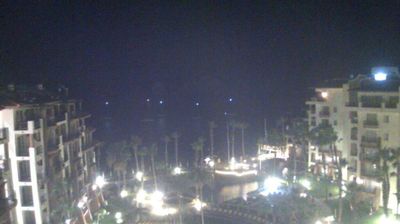

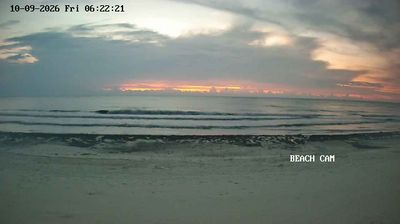
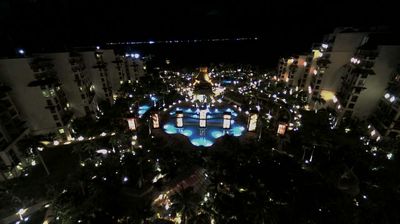


Virtual Travel to Tulum
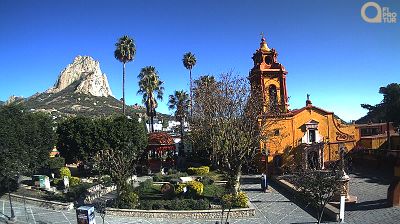
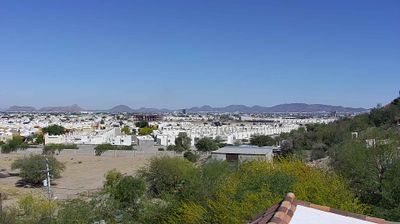
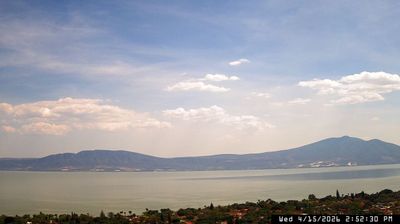
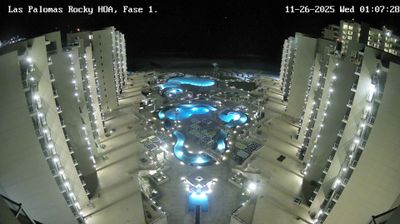
Whether you are planning a real-world visit or just digital globe-trotting, the live webcams in Tulum offer an unfiltered glimpse into daily life. Watch the sunrise, check the local traffic before your commute, or simply enjoy the urban and natural landscapes that make this location unique. Bookmark this page to easily return and check the live weather conditions anytime.

About Tulum
Tulum je mesto predkolumbovskega obzidanega majevskega mesta, ki je služilo kot glavno pristanišče za Cobo v mehiški zvezni državi Quintana Roo. Ruševine so na 12 metrov visokih pečinah vzdolž vzhodne obale polotoka Jukatan ob Karibskem morju. Tulum je bilo eno zadnjih mest, ki so jih zgradili in naseljevali Maji, in je doseglo svoj največji pomen med 13. in 15. stoletjem. Maji so Tulum zasedali še približno 70 let po tem, ko so Španci začeli raziskovati Mehiko, vendar je bilo mesto do konca 16. stoletja zapuščeno. Tulum je eno najbolje ohranjenih obalnih majevskih najdišč in danes je priljubljena turistična destinacija.
📖 Read more on Wikipedia