 Live Webcams in Longyearbyen
Explore live streaming views from Longyearbyen, . Check current weather conditions, traffic, and beautiful local spots.
Latest Cameras
24 streams found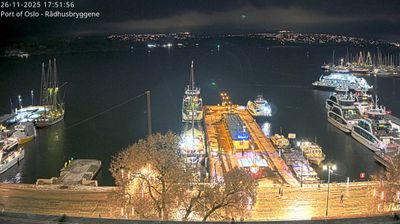
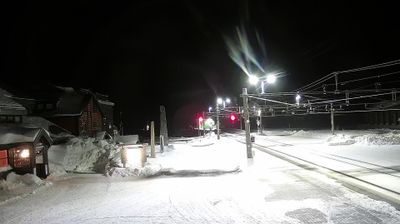
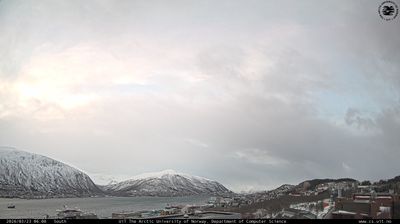
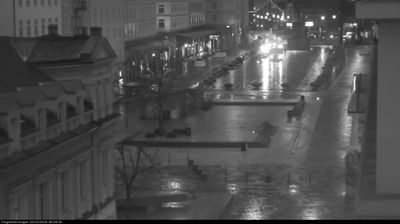

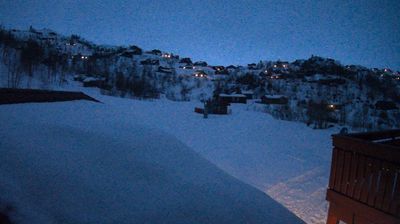
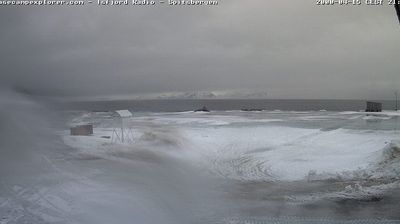
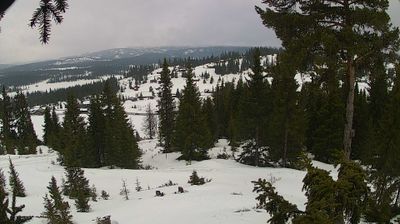

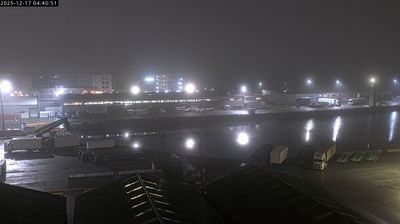
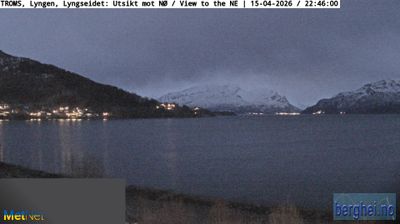
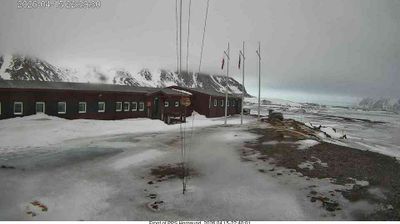
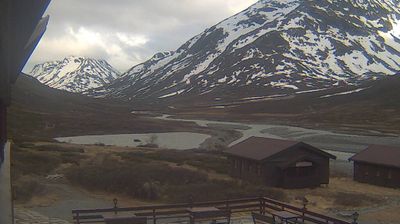
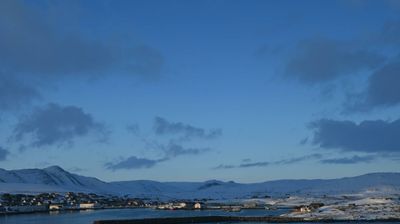
Virtual Travel to Longyearbyen
Whether you are planning a real-world visit or just digital globe-trotting, the live webcams in Longyearbyen offer an unfiltered glimpse into daily life. Watch the sunrise, check the local traffic before your commute, or simply enjoy the urban and natural landscapes that make this location unique. Bookmark this page to easily return and check the live weather conditions anytime.

About Longyearbyen
Longyearbyen je največje naselje in upravno središče Svalbarda na Norveškem. Leta 2008 je v mestu živelo 2040 prebivalcev. Longyearbyen se nahaja v dolini Longyeardalen in na obali Adventfjorden v zalivu Isfjorden, ki se nahaja na zahodni obali Svalbarda. Od leta 2002 je Longyearbyenški svet skupnosti imel veliko enakih pristojnosti občine, vključno javnih gospodarskih služb, izobraževanja, kulturnih ustanovah, gasilcev, ceste in pristanišča. Mesto je sedež guvernerja Svalbarda. Logyearbven je na svetu najsevernejše mesto in najsevernejše naselje z več kot 1000 stalnih prebivalcev.
📖 Read more on Wikipedia