
Filter by Category in Finska
Latest Cameras in Finska
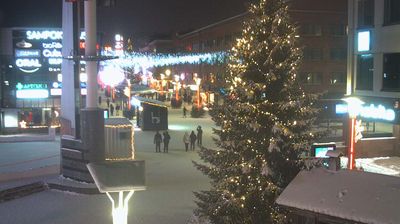
 Rovaniemi
Why Visit Finska Virtually?
Planning a trip to Finska? Or maybe you just miss home? Our curated list of live streams provides high-quality views of the local regions and cities. Check the live weather, see what locals are up to, and enjoy the beautiful views 24/7.

About Finska
Finska, uradno Republika Finska }}) je obmorska Nordijska država, ki meji na Švedsko na severozahodu, Norveško na severu in Rusijo na vzhodu, na Botniški zaliv na zahodu in Finski zaliv na jugu, nasproti Estonije. Alandsko otočje v Baltskem morju je pod finsko suverenostjo, vendar uživajo znatno samoupravo. Finska pokriva površino 338.145 kvadratnih kilometrov in ima 5,6 milijona prebivalcev. Helsinki so glavno in največje mesto. Velika večina prebivalstva so etnični Finci. Uradna jezika sta finščina in švedščina, od katerih 84,9 odstotka prebivalstva govori prvega kot svoj materni jezik, 5,1 odstotka pa drugega. Podnebje Finske se spreminja od vlažnega celinskega na jugu do borealnega na severu. Pokrovnost tal je pretežno borealni gozdni biom z več kot 180.000 zabeleženimi jezeri.
📖 Read more on Wikipedia