Flag of Južna Afrika

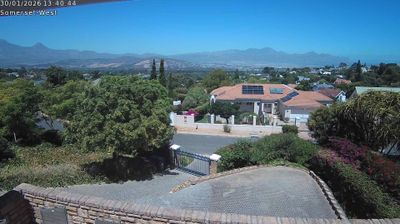
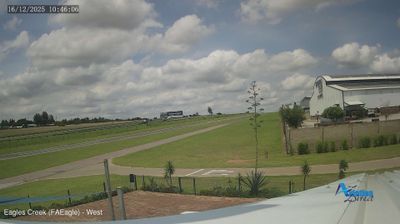
Live Webcams in Južna Afrika

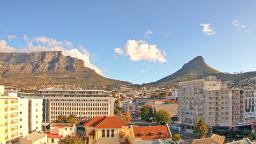
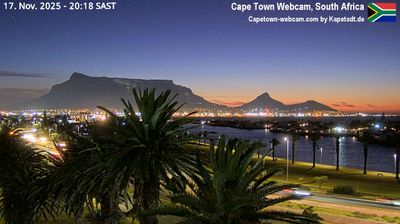
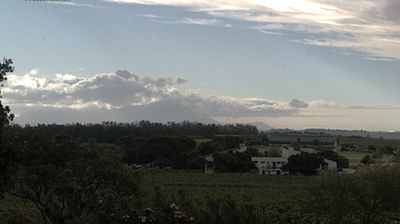
Welcome to the live directory for Južna Afrika. Browse the latest streams below, filter by category, or select a specific region to find local weather, traffic, and panoramic views.

Latest Cameras in Južna Afrika


Why Visit Južna Afrika Virtually?

Planning a trip to Južna Afrika? Or maybe you just miss home? Our curated list of live streams provides high-quality views of the local regions and cities. Check the live weather, see what locals are up to, and enjoy the beautiful views 24/7.


Južna Afrika

About Južna Afrika

Južna Afrika, uradno Republika Južna Afrika je republika na skrajnem jugu Afrike. Njenih devet provinc na jugu omejuje 2798 kilometrov obale, ki se razteza vzdolž južnega Atlantika in Indijskega oceana; na severu s sosednjimi državami Namibija, Bocvana in Zimbabve; na vzhodu in severovzhodu Mozambik in Esvatini; in obdaja Lesoto. Država pokriva površino 1.221.037 kvadratnih kilometrov in ima več kot 62 milijonov prebivalcev. Pretoria je upravna prestolnica, medtem ko je Cape Town, kot sedež parlamenta, zakonodajna prestolnica, Bloemfontein pa velja za sodno prestolnico. Največje in najbolj naseljeno mesto je Johannesburg, sledita mu Cape Town in Durban.

📖 Read more on Wikipedia

Frequently Asked Questions

Webcam.beer is a premium global directory of live streaming webcams. We curate and index thousands of real-time cameras from around the world, allowing you to instantly check weather conditions, explore famous tourist spots, view city traffic, and discover beautiful landscapes all in one place.

Yes! The vast majority of the cameras in our network are real-time, live video streams. Some remote or scientific cameras may provide frequently updated high-resolution imagery due to bandwidth constraints in those specific locations.

Absolutely. Browsing, watching, and exploring the webcams on our platform is 100% free. You do not need to pay or create an account to view the live streams.

We love community contributions! You can easily submit a live stream by clicking the 'Add Cam' button in the main menu. Once submitted, our moderation team will review the camera to ensure it meets our quality and safety guidelines before it goes live on the platform.