Litochoro › Zahod
 Litochoro, Grčija
Real-Time Environment
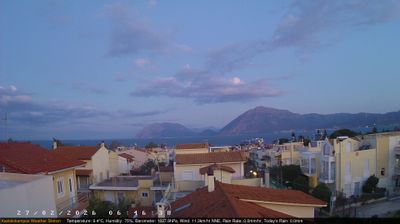
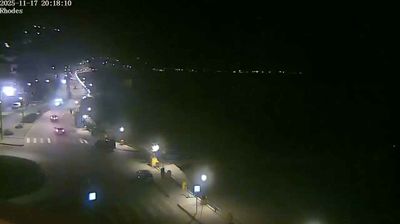
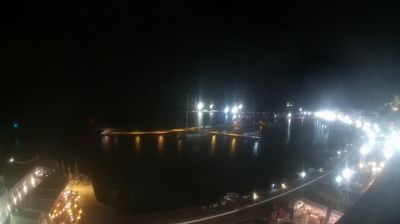
Welcome to the live streaming webcam for Litochoro › Zahod, perfectly situated in the vibrant region of Litochoro, Grčija. Watching this live camera allows you to instantly experience the local atmosphere and monitor current climate conditions.

About Litochoro
Litochoro is a town and a former municipality in the southern part of the Pieria regional unit, Macedonia, Greece. Since the 2011 local government reform it has been part of the Dio-Olympos municipality, of which it is the seat and a municipal unit. It is located at the base of Mount Olympus, on the western shore of the Thermaic Gulf. The first recorded mention of Litochoro is in an account of a visit by Saint Dionysius to Mount Olympus in the 16th century. The town is a popular destination for those wishing to climb Mount Olympus as almost all climbing routes begin to the southwest of the town.
📖 Read more on Wikipedia📍 Location Facts
-
Country
 Grčija
- Region Macedonia and Thrace
- City Litochoro
- Coordinates 40.1045°N, 22.5007°E
Have you been to Litochoro?
Help the community! Share your experience, tell us about the weather, or upload your own photos from this exact location.